
PT-322A/PT-322B
DIAL PADLOCK WITH AIRTAG HOLDER
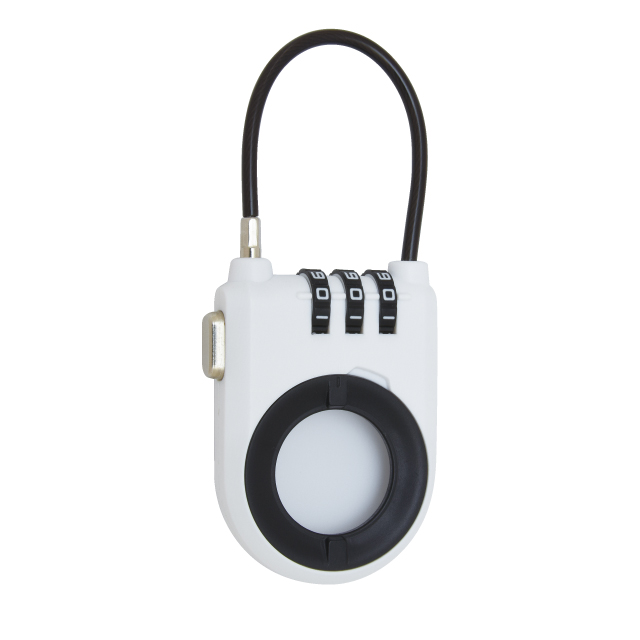
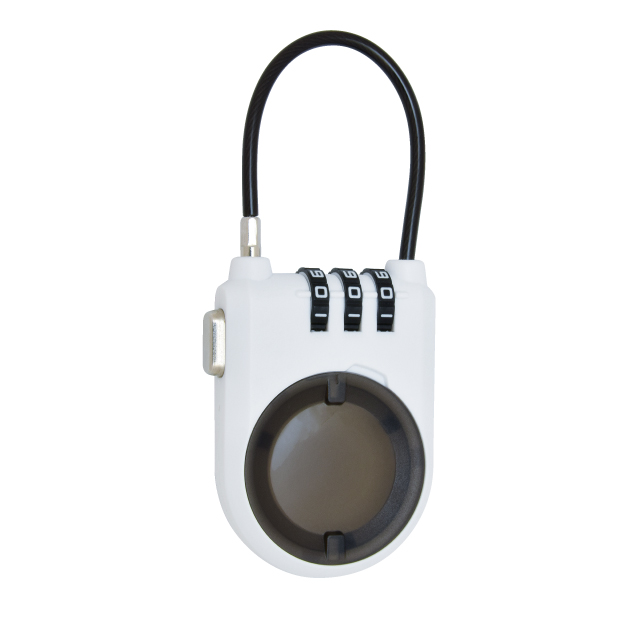
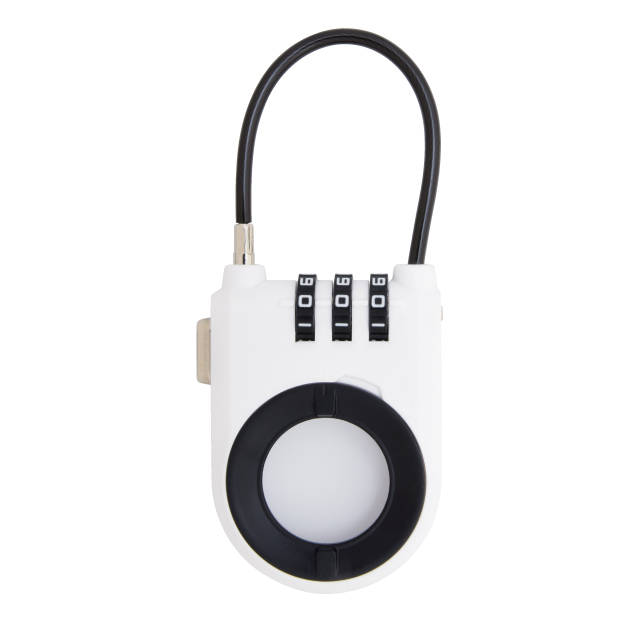
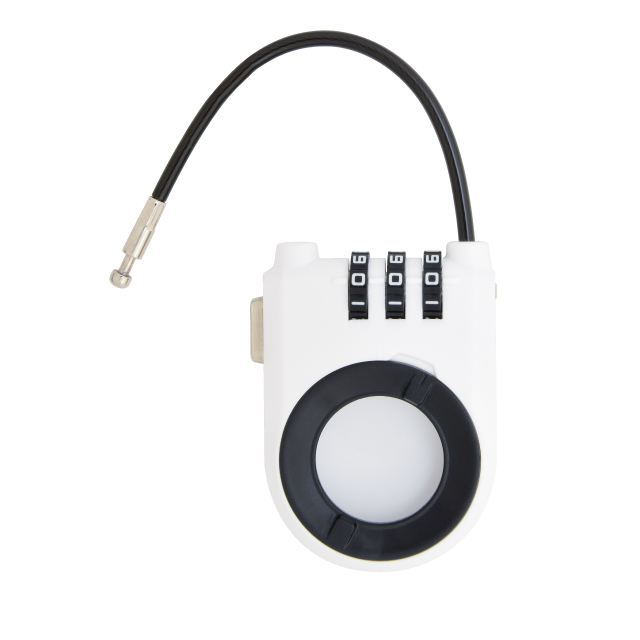
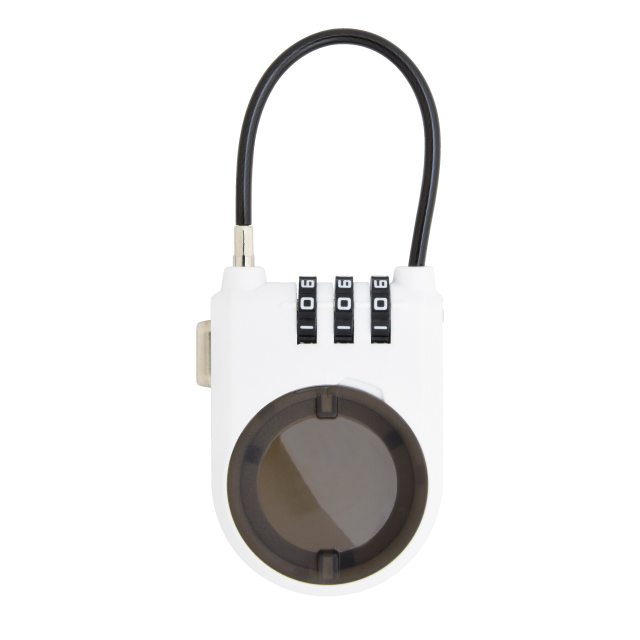
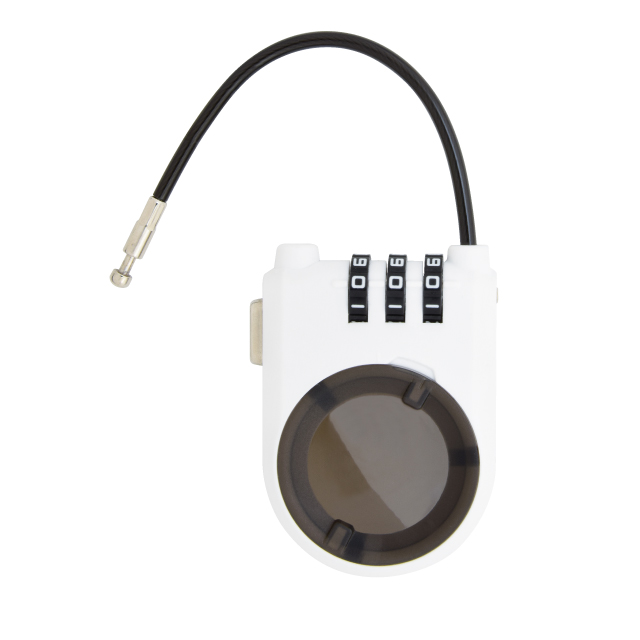
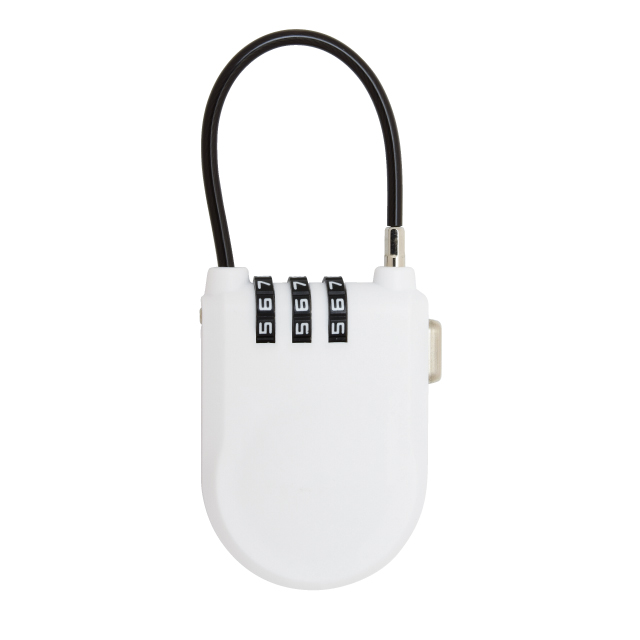
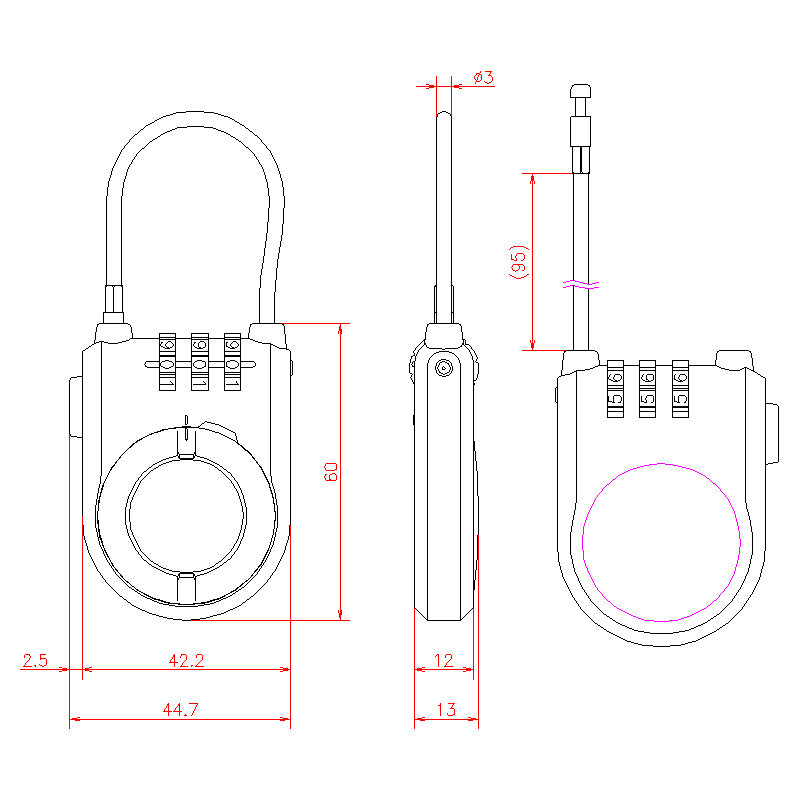
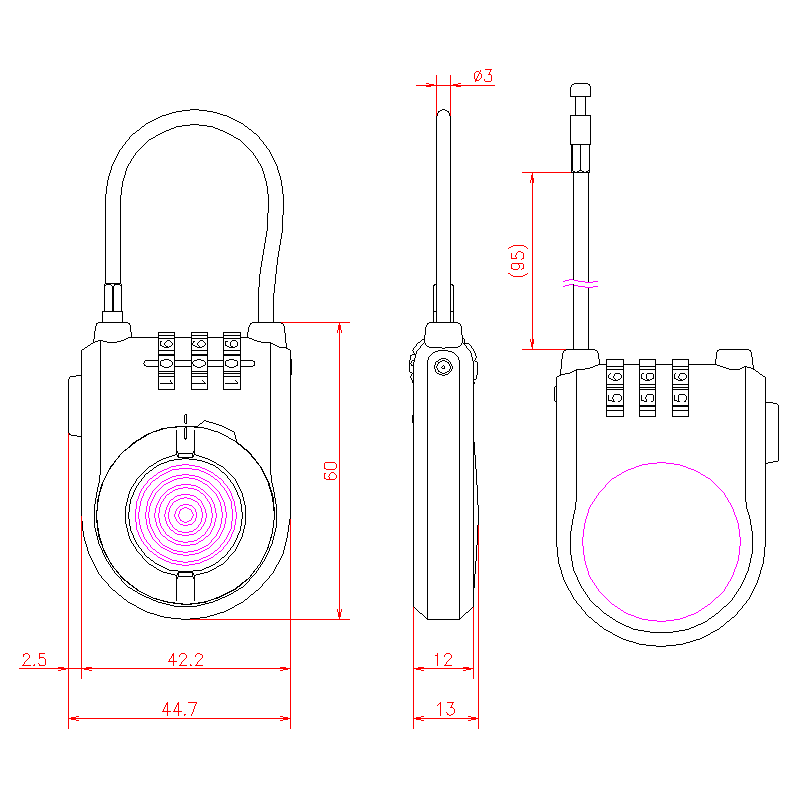

| Product Code | Note | ||
|---|---|---|---|
| PT-322A | DIAL PADLOCK WITH AIRTAG HOLDER(OPEN TYPE) | ||
| PT-322B | DIAL PADLOCK WITH AIRTAG HOLDER |


| Materials | ABS Resin |
|---|---|
| Finish | White |
| Usage examples | Storege for Apple AirTag |
| Operating instructions | 【How to Change the PIN】 ①Set the dial to the current PIN. (Default: 000) ②Insert a pin with a diameter of 3 mm or less into the hole on the side of the body, then set the dial to a new PIN. ③Remove the pin to complete the PIN setting. 【How to Unlock】 ①Set the dial to the current PIN. (Default: 000) ②Press the unlock button to release the wire. ③Turn the cover to the right to remove it. *The cover cannot be removed unless the wire is released. 【How to Lock】 ①Set the dial to the current PIN. (Default: 000) ②Attach the cover to the main body and turn it to the left. Make sure the grooves on the cover and body are aligned. ③Insert the wire and scramble the PIN numbers. *If the grooves on the cover and body are not aligned, the wire will lock, but the cover will not be locked. |
| Attention | ◇AirTag is a registered trademark product of Apple Inc. |
| Key No. | Primary code is 000. |
Features
-
・Dial padlock with holder for Apple AirTag.
・Changeable key code.